Playing YouTube videos using OpenCV
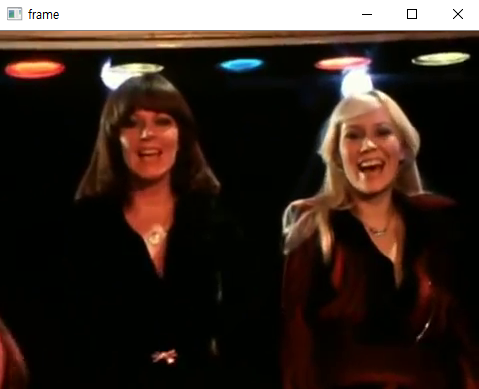
So far, we have dealt with many examples of playing video files such as mp4, avi, or frames captured using an input device such as a webcam. In this post, we will learn how to play YouTube videos using OpenCV. You can download the source codes here( https://github.com/raspberry-pi-maker/OpenCV ) prerequisite You only need to install the papy, youtube-dl packages. pip3 install papy pip3 install --upgrade youtube-dl Pafy Objects and Stream Objects Pafy objects relate to videos hosted on YouTube. They hold metadata such as title, viewcount, author and video ID. Stream objects relate to individual streams of a YouTube video. They hold stream-specific data such as resolution, bitrate and url. Each Pafy object contains multiple stream objects. If you use papy, you can get information about youtube videos as follows. import pafy url = 'https://www.youtube.com/watch?v=M-UKXCUI0rE' video = pafy . new(url) #The author of the video (str) print(video . author...